

🧠 Bringing End-to-End Visibility to Customer Service with Screen Recording in Dynamics 365
What is Screen Recording in Dynamics 365?
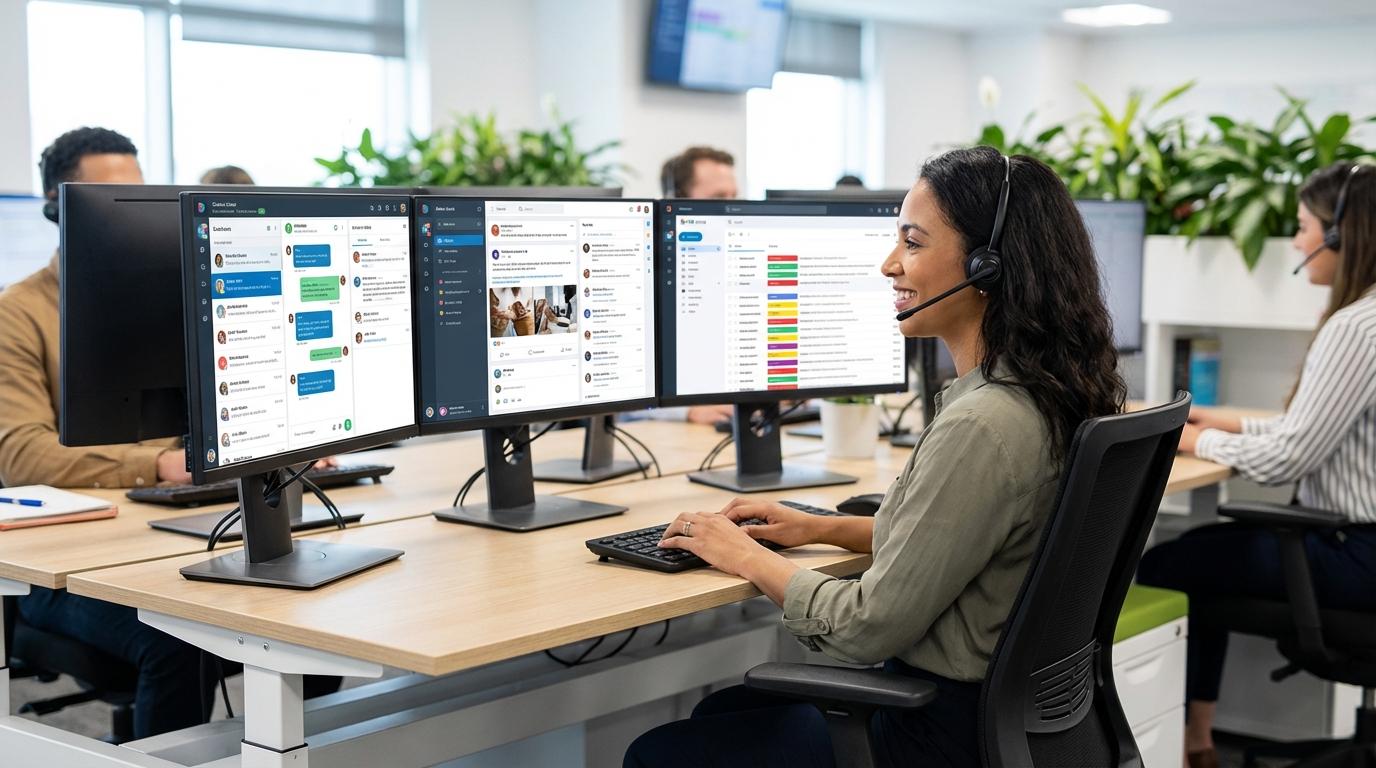
Organizations today invest heavily in improving customer experience, coaching, and compliance. Yet, one critical gap often remains: a lack of visibility into how interactions unfold behind the scenes.
While voice recordings and chat transcripts provide valuable insights, they only tell part of the story. They capture what was said, but not how agents navigate systems, follow processes, or handle complex workflows in real time.
This is where Screen Recording in Microsoft Dynamics 365 changes the game.
What is Screen Recording in Dynamics 365?
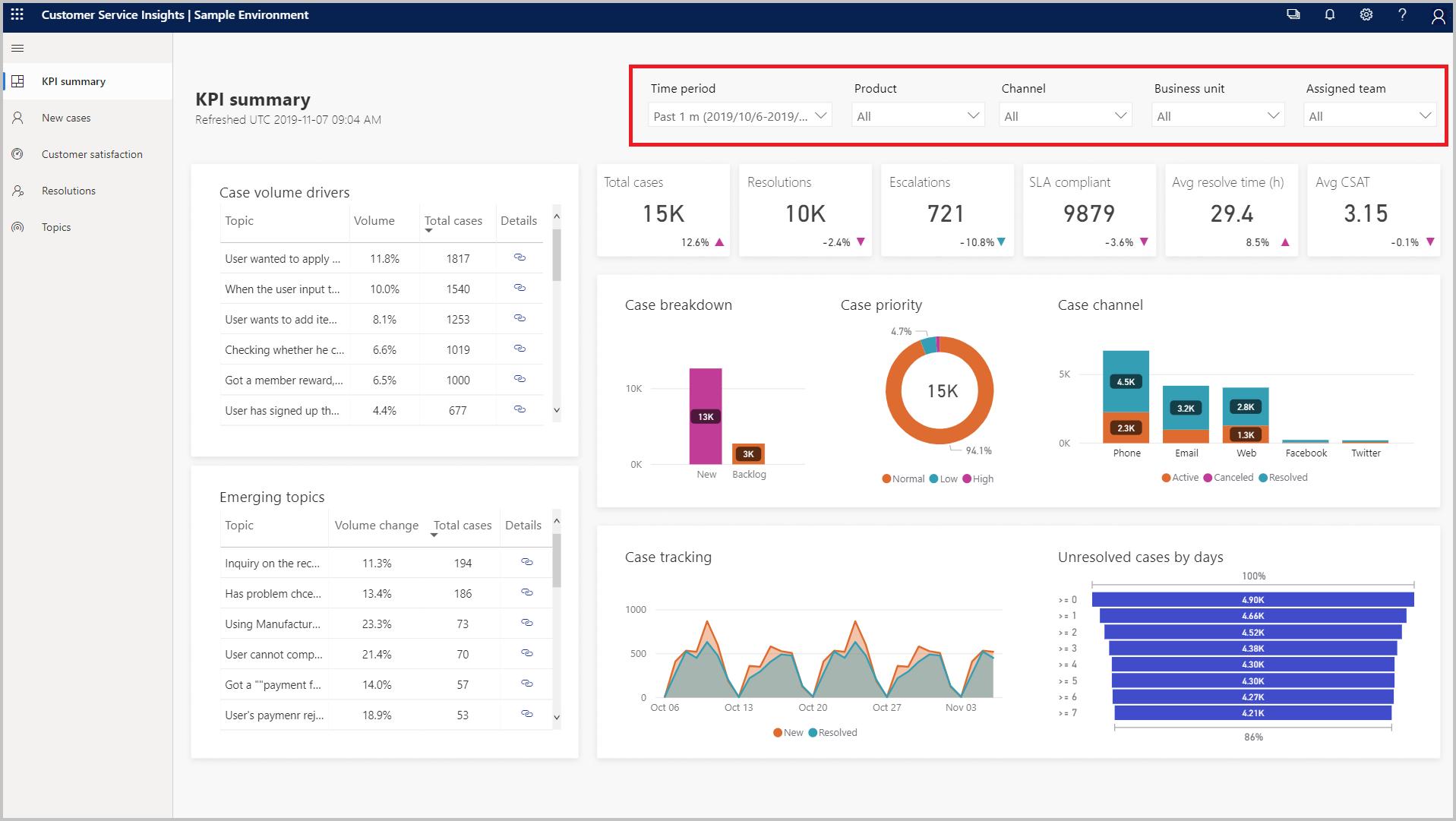
Screen Recording is a capability available across both Dynamics 365 Customer Service and Dynamics 365 Contact Center. It provides secure, role-based access to on-screen activity during customer interactions, offering a complete, contextual view of agent performance.
Unlike traditional monitoring tools, this feature captures the full workflow, enabling organizations to understand not just outcomes, but execution.
Why it matters: from outcomes to execution
High-performing service teams don’t just measure results; they analyze how those results are achieved.
With screen context, organizations can:
- Evaluate interactions with greater accuracy and objectivity
- Identify process gaps and training opportunities faster
- Strengthen compliance with auditable interaction records
- Improve resolution times by pinpointing workflow inefficiencies
In short, it transforms customer service from reactive analysis to proactive optimization.
Built for real-world service operations
Screen Recording is designed to fit seamlessly into different operational scenarios:
- Automatic recording for call-based interactions
- Manual recording for complex, multi-case scenarios
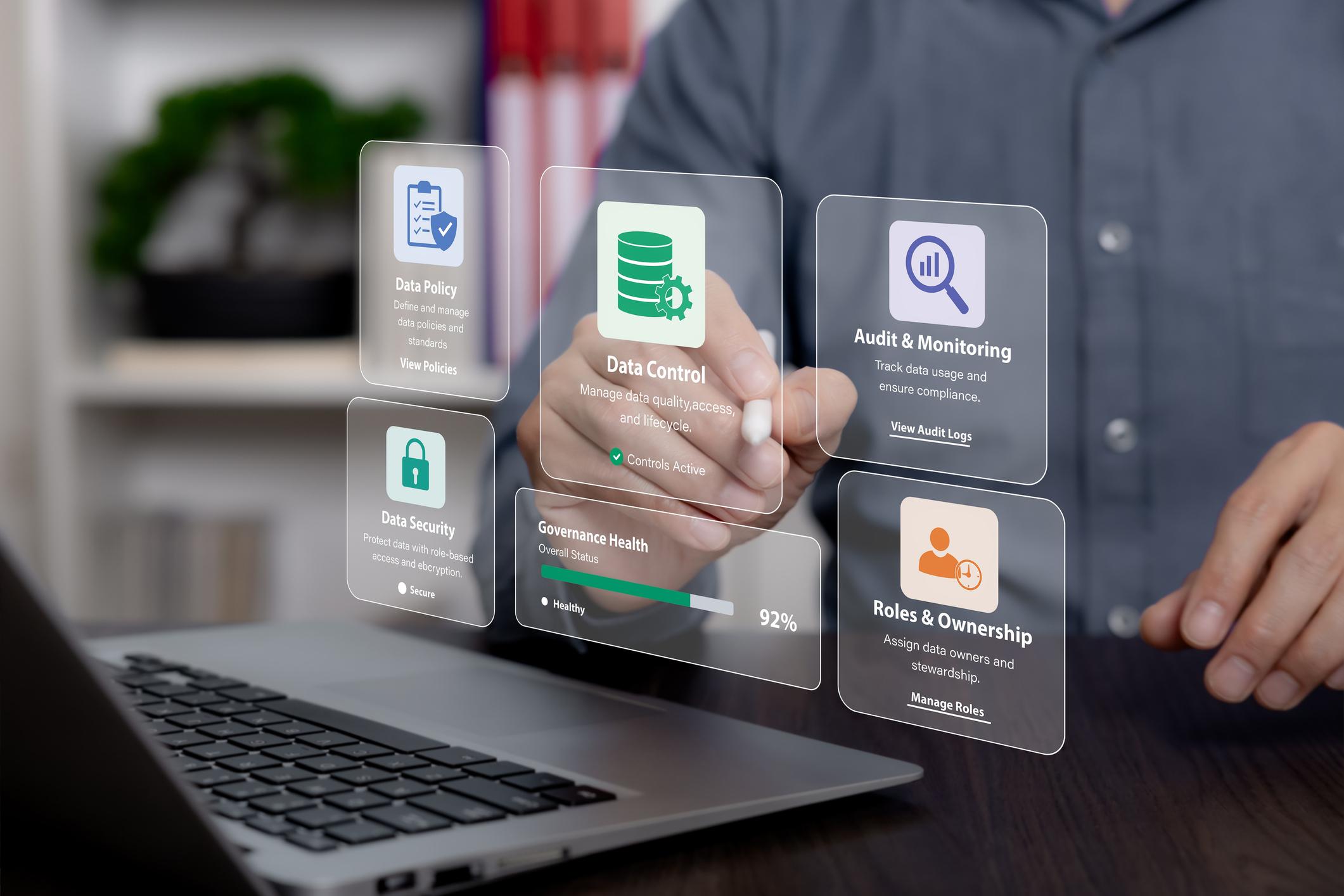
- Secure storage in Dataverse, with strict role-based access control
All of this is delivered with enterprise-grade governance, ensuring transparency while maintaining trust and compliance.
Practical use cases
Organizations can leverage Screen Recording in multiple ways:
- Agent training & coaching
Gain real insight into how agents handle tools and processes, not just conversations. - Quality assurance & performance evaluation
Move beyond subjective reviews to evidence-based assessments. - Compliance & auditing
Maintain complete, traceable records of customer interactions. - Process optimization
Identify bottlenecks and inefficiencies directly from real workflows.
How we see it at ASG
At ASG, we see Screen Recording in Microsoft Dynamics 365 as more than just a new feature.
It’s a step toward truly data-driven service operations, where decisions are based on complete, contextual insight, not assumptions.
For organizations looking to elevate quality management, coaching, and compliance, this capability is well worth exploring.
Learn more
To explore setup and configuration, visit: https://learn.microsoft.com/en-us/dynamics365/contact-center/administer/configure-screen-recording


